Education Hub
The Attrivio Masterclass.
Everything you need to know from creating an account to mastering AI-driven attribution logic. Read the documentation or watch the videos below.
Platform Documentation
🚀
1. Getting Started: From Zero to Live
Available on All Tiers**Who Should Read:** Everyone (Founders, Media Buyers, Agencies)
**Purpose:** To get your store actively tracking data.
**Step-by-Step Guide:**
1. **Land & Sign Up:** Go to attrivio.co and click "Start Free Trial". Enter your email and password.
2. **Connect Shopify:** Once in the dashboard, go to the Settings page. Click "Connect Shopify". You will be redirected to your store to approve the app. Once approved, Attrivio automatically syncs historical orders and begins tracking new ones.
3. **Connect Ad Platforms:** In Settings, click to connect Google, Meta (Facebook), or TikTok. This allows us to pull in your ad spend to calculate accurate ROAS (Return on Ad Spend).
4. **Billing:** When you select a plan, your 14-day free trial begins. You are not charged until day 14.
📊
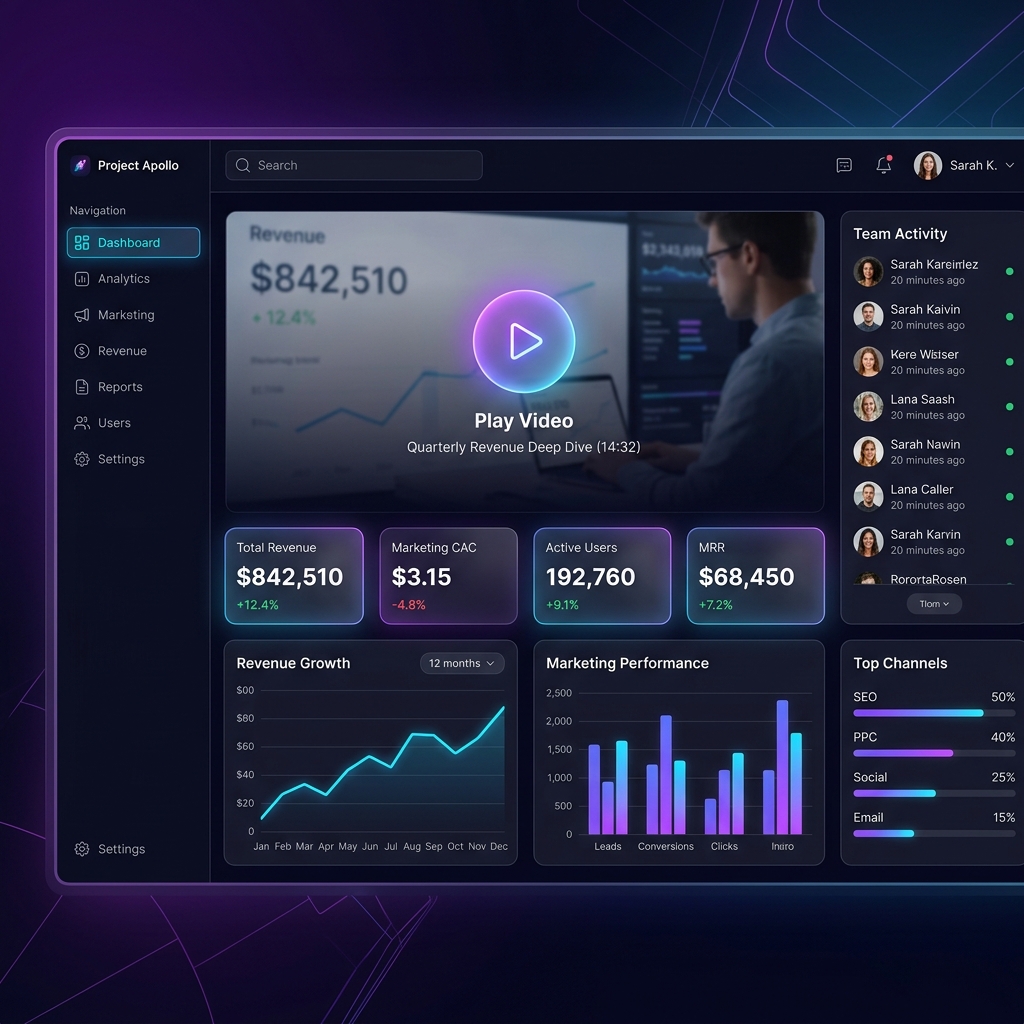
2. The Main Dashboard & Analytics
Available on All Tiers**Who Should Use:** Founders tracking high-level growth, and Media Buyers tracking daily performance.
**Purpose:** To give you an immediate snapshot of your business health.
**How it Works:**
- **Core Metrics:** See Total Revenue, Attributed Revenue, Leads, and Conversion Rates.
- **Top Channels:** Identifies which platform (Google, Meta, Direct) is actually driving the most profitable sales, ignoring the platforms' own biased reporting.
- **Journeys (Multi-Touch):** See exactly how many times a customer clicked an ad before finally buying.
**Why Use It?** To stop wasting money on ads that claim they are working, but aren't actually driving final purchases.
🧠
3. The AI Assistant (Compose Intelligence)
Growth & Scale Tiers Only**Who Should Use:** Anyone who hates reading spreadsheets.
**Purpose:** To act as your personal data analyst.
**How it Works:**
Simply type a question like *"What is my top channel?"* or *"Why is my ROAS dropping?"*. The AI will instantly query your live Shopify and Ad data, injecting real numbers into its response.
**Why Use It?** It saves you hours of manual data crunching. It gives you direct, factual answers based *only* on your store's data, never guessing.
🔗
4. Pixels & Integrations
Available on All Tiers**Who Should Use:** Technical Marketers or Founders.
**Purpose:** To ensure your data is flowing seamlessly across the web.
**How it Works:**
Navigate to the Integrations tab. Here you can generate your master Tracking Pixel. By placing this pixel in your store's header, Attrivio begins tracking every single visitor, page view, and click ID (like `fbclid` or `gclid`).
This data is used to match anonymous visitors to actual Shopify checkouts.
⚙️
5. Account Management & Cancellations
Available on All Tiers**Who Should Use:** Account Owners.
**Purpose:** To give you total control over your billing and data privacy.
**Managing Subscriptions:**
Go to `Dashboard > Billing`. Here you can upgrade or downgrade your plan.
**Canceling:**
Click the "Cancel Subscription" button.
- *If you are in a 14-day trial:* Your account is canceled immediately and you are never billed.
- *If you are on a paid plan:* Your account remains active until the end of your current billing month, and then safely shuts down. No refunds are issued for partial months.
**Deleting Account (GDPR):**
Click "Delete Account" in the Billing section. This is a permanent, irreversible action. It immediately cancels your Stripe subscription and permanently purges all of your store data, visitors, and pixels from our database.
Video Library
Visual step-by-step guides for visual learners.
▶ Go to Training Center
1. Quick Platform Walkthrough
Watch an actual recording of the Attrivio platform in action. See the dashboard, integrations, and AI Assistant live.
Video Coming Soon
2. Understanding the Analytics Dashboard
A deep dive into how to read your Revenue, ROAS, and Multi-touch journey charts.
Video Coming Soon
3. Using the AI Assistant
See how to ask complex data questions in plain English to speed up your reporting.
Video Coming Soon
4. Account & Billing Management
Learn how to upgrade your tier, manage payment methods, or safely delete your data.